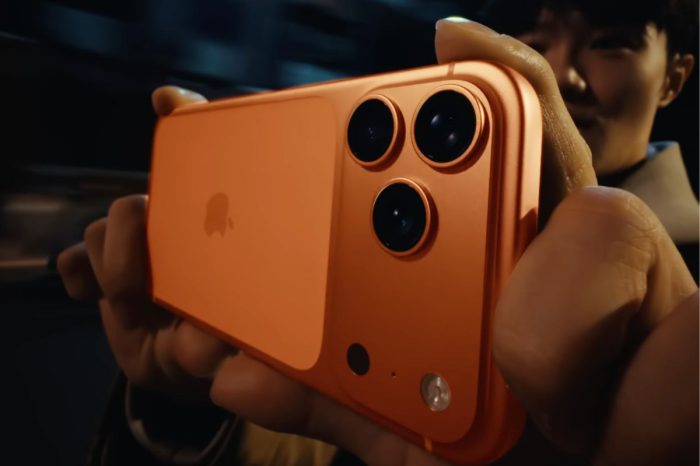
iPhone storage and iCloud storage are separate, and buying more iCloud space does not increase the physical storage capacity inside your iPhone.
iPhone storage is built into the device. It is used by iOS, apps, downloaded media, photos, messages and other files stored locally. The capacity you choose when buying an iPhone cannot later be upgraded.
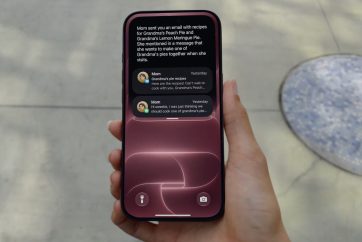
iCloud storage is online storage connected to your Apple Account. It can be used for services including iCloud Photos, device backups, iCloud Drive and data synchronized between Apple devices.
More iCloud storage can indirectly help reduce pressure on an iPhone in some situations. For example, iCloud Photos with Optimize iPhone Storage can allow the device to keep space-saving versions of photos while full-resolution originals are stored in iCloud.
However, an iPhone that is full because of large apps or locally downloaded files will not suddenly gain free physical capacity just because you upgrade iCloud.
You can check local capacity under Settings > General > iPhone Storage. Your iCloud usage is shown separately under Settings > your name > iCloud.
Understanding which one is running low matters before paying for additional storage. If iCloud is full, a larger iCloud plan may solve the problem. If the iPhone itself is full, you will need to manage what’s stored on the device.

Trending Now
When can you preorder iPhone Duo?
You may also like