Optimized Battery Charging does not activate every time an iPhone is plugged in, and there are several reasons you may rarely see charging pause at 80%.
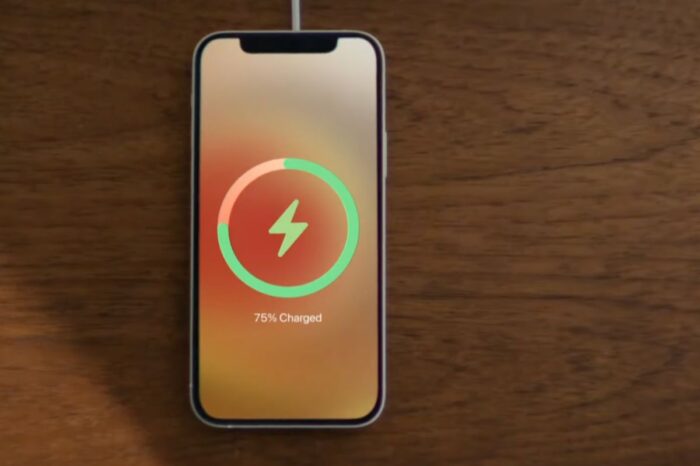
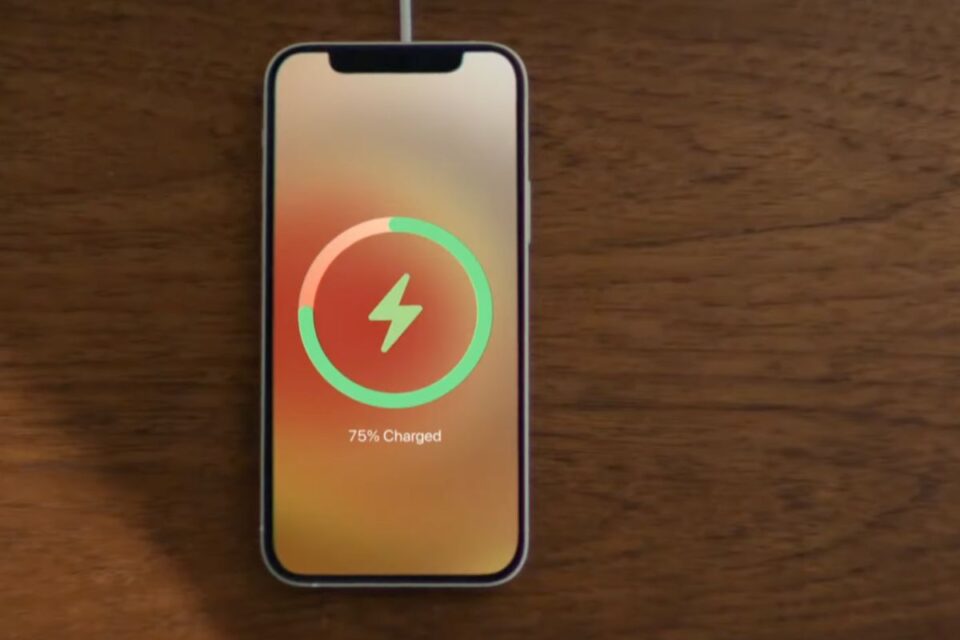
The feature learns your normal charging routine and is intended to activate when the iPhone expects to remain connected to power for an extended period. It delays charging beyond 80% and finishes closer to when it expects you to unplug the device.
Apple says the feature needs at least 14 days to learn charging habits. The iPhone also needs at least nine charging sessions lasting five hours or more in a given location before Optimized Battery Charging can reliably activate there.
Travel and irregular charging can prevent it from engaging. If your routine changes frequently, the iPhone may simply charge straight to 100% rather than risk leaving you without the battery level you need.
Location-related settings are also involved because the feature is designed to operate in places where you spend significant amounts of time, such as home or work. Apple says the location information used for the feature is not sent to Apple.
On iPhone 15 and later, check Settings > Battery > Charging. On older supported models, open Settings > Battery > Battery Health & Charging. Make sure Optimized Battery Charging is enabled.
If you have recently bought the iPhone, changed your routine or are away from home, giving the feature more time may be all that is required. It is designed to be selective rather than appear during every charging session.