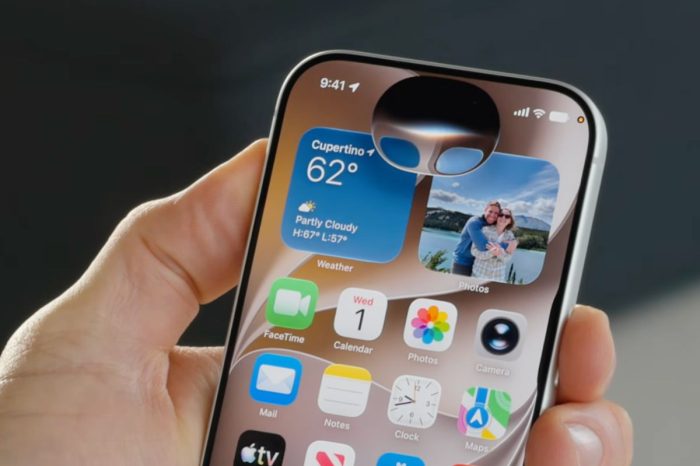
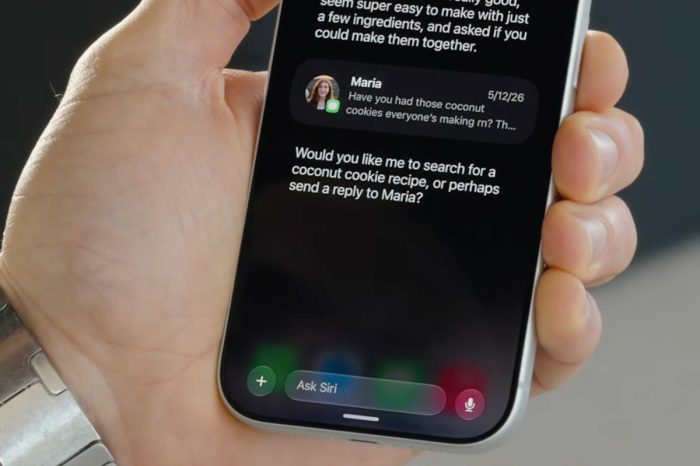
After installing iOS 27, some iPhone users may find that Apple’s new Siri AI experience is not immediately available. Instead, Apple may ask users to join a waiting list before access is enabled on their device.
The waiting list is part of Apple’s rollout of Siri AI, allowing access to be expanded gradually rather than enabling the new experience for every eligible device at the same time. The Apple Post previously reported on Apple’s use of a waiting list for Siri AI in iOS 27.
Joining the waiting list only takes a few moments, and once access is ready Apple will notify you on your iPhone.
How to join the Siri AI waiting list
- Open the Settings app on your iPhone.
- Scroll down and open the Siri section.
- Look for the option to join the Siri AI waiting list.
- Tap the option to request access.
- Wait for Apple to notify you when Siri AI is ready to activate on your device.
You do not need to repeatedly leave and rejoin the waiting list. Once the request has been submitted, the iPhone should remain registered while Apple processes access.
After access is granted, additional Apple Intelligence resources may need to download before all features are ready. Apple recommends keeping the device connected to Wi-Fi and a power source while Apple Intelligence models are downloading.
Siri AI and Apple Intelligence also depend on device, language and regional availability, so the option may not appear on every iPhone running iOS 27.