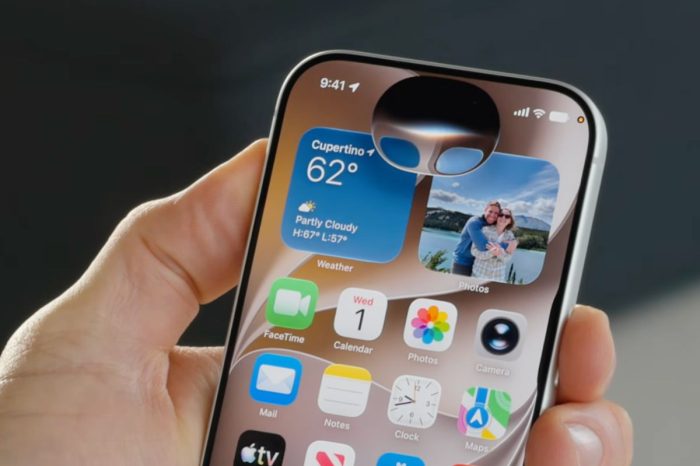
Siri and Apple Notes work more closely together in iOS 27, allowing compatible iPhones to turn information from a Siri conversation into a new note or add it to a note you already have.
This can be useful after asking Siri to research, summarize or reorganize information because you can keep the result in Notes without manually copying and pasting the response.
You can tell Siri what you want saved and, when adding to an existing note, identify the note you want the information placed into.
How to add information to Apple Notes with Siri in iOS 27
- Open Siri or start a Siri conversation on your iPhone.
- Ask Siri for the information you need.
- Once you have the response you want, tell Siri to add it to a note.
- Specify whether you want a new note or an existing note.
- If using an existing note, tell Siri which note to update.
- Review the result in the Notes app.
You can also ask Siri to reorganize information before saving it, which can be useful for turning unstructured text into a cleaner list or reference note.