As rumored, Apple is adding a new slider for controlling the appearance of its Liquid Glass design language in iOS 27.
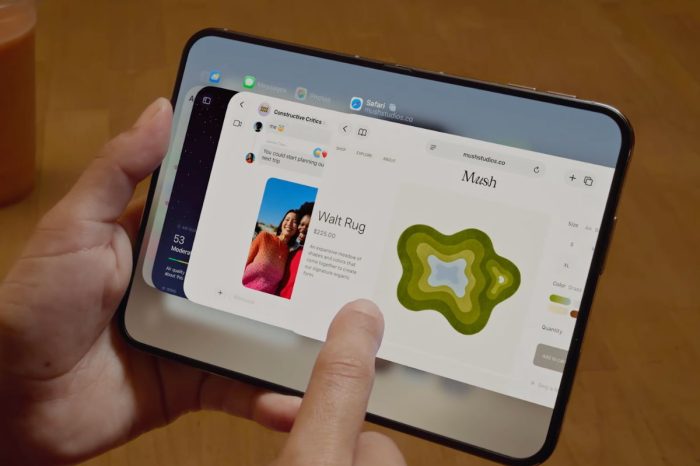
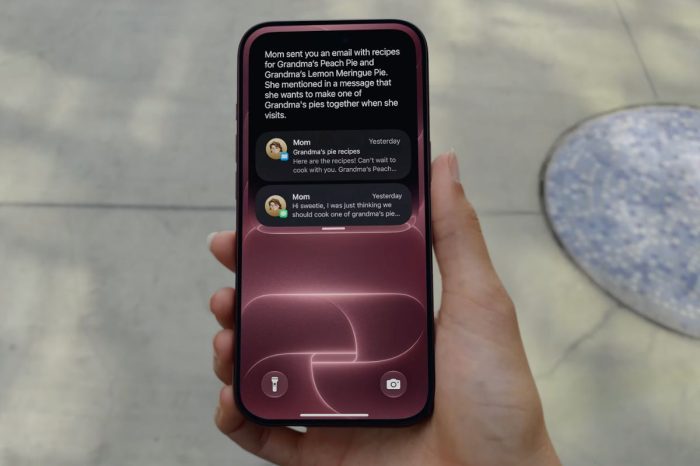
Liquid Glass was introduced in iOS 26 as Apple’s new visual design system, bringing translucent materials, dynamic lighting effects, and glass-like interface elements across the operating system.
With iOS 27, a new slider will allow users to precisely adjust the appearance of Liquid Glass, choosing between a more opaque tinted look and a clearer, more transparent appearance.
Alongside the new customization option, Apple is also changing the default way Liquid Glass is rendered to improve contrast and deliver a more vibrant visual experience.
Apple has also updated the way app icons are rendered. The new rendering pipeline adds greater visual separation between each layer, resulting in sharper edges and more pronounced refraction effects. The changes address feedback from some users during the iOS 26 cycle who felt app icons could appear slightly blurry at smaller sizes.