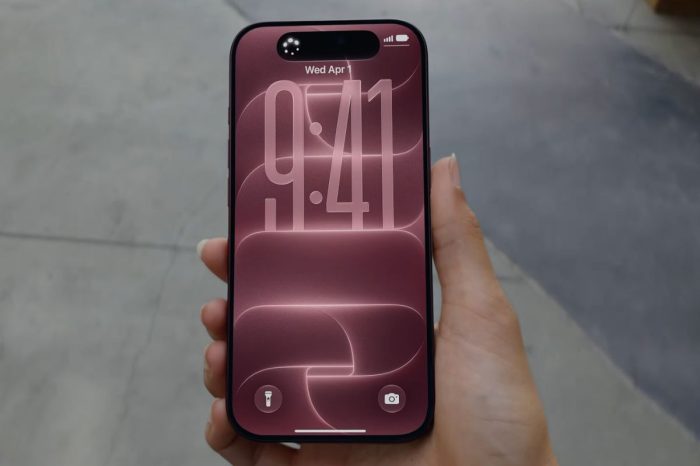
If your iPhone feels warmer than usual after installing iOS 27, it does not necessarily mean something has gone wrong with the update or your device.
Major iOS updates can trigger a period of increased background activity after installation. The iPhone may need to index files and photos, refresh search information, optimize apps and complete other system tasks while you continue using the device.
That extra processing uses more power and can generate additional heat. The effect may be particularly noticeable if you are simultaneously restoring data, downloading app updates, charging the device or exploring iOS 27’s new features.
Battery life can also temporarily be affected by the same background processes. We’ve explained why iPhone battery life can be worse immediately after installing iOS 27.
In most cases, post-update activity should settle after the iPhone has had time to complete its work. Leaving the device connected to Wi-Fi and power when convenient can allow background processes to finish without interrupting normal use.
If the iPhone becomes uncomfortably hot, displays a temperature warning or remains unusually warm long after the update has finished and normal use has resumed, that is different from the temporary warmth commonly associated with software installation. Allow the device to cool naturally and avoid placing it in a refrigerator, freezer or other extreme environment.
Users with older devices may notice post-update activity more readily. iOS 27 supports iPhone 11 and later, although not every feature is available on every model.
For most users, a warmer iPhone during and shortly after installing iOS 27 should be temporary rather than evidence that the update has damaged the device.