

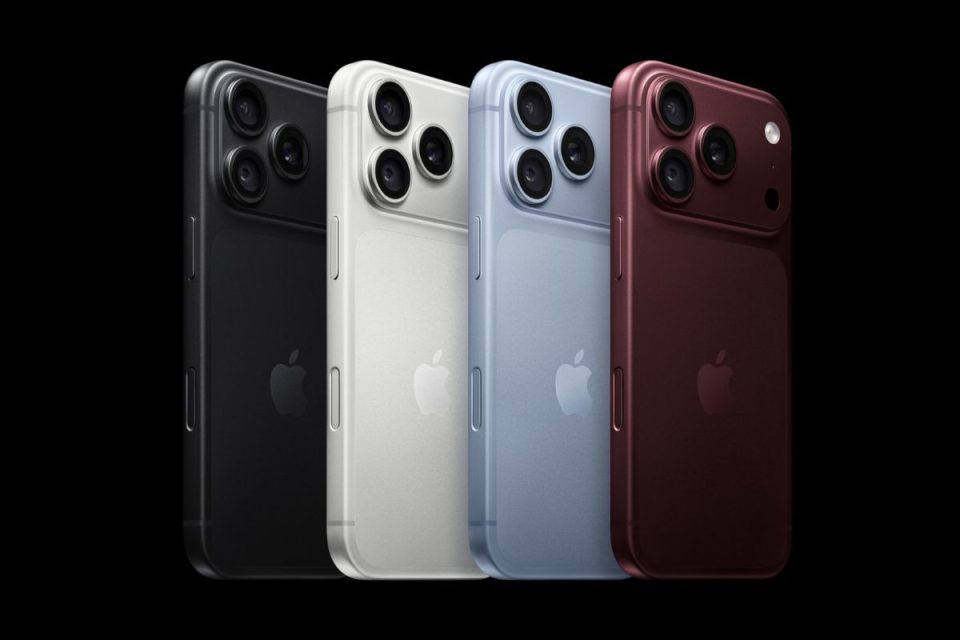
Once iPhone 18 Pro starts reaching customers, it will be tempting to finish setup and immediately start using it. Spending a few minutes checking a handful of settings first can make the new phone better suited to the way you actually use it.
Start with the display. Open Settings and check Display & Brightness, where you can choose appearance, adjust text size and review Always-On display preferences. If you do not want the screen remaining visible while the phone is locked, switching Always-On off can also reduce unnecessary power use.
Next, visit Settings, Camera. The iPhone 18 Pro introduces new Pro camera controls, including manual control over aperture, shutter speed and white balance. It is worth exploring these before the first time you actually need them rather than leaving every camera option at its default.
Check your battery and charging preferences
Open Settings, Battery and review Charging. Depending on your usage, a charge limit can reduce the amount of time the battery spends completely full, while Optimized Battery Charging can learn your routine and delay charging beyond 80 percent until closer to when you normally unplug.
While you are there, look at which apps have permission to refresh in the background and whether every app genuinely needs constant location access. Settings, Privacy & Security, Location Services lets you change apps from Always to While Using where appropriate.
Notifications deserve the same treatment. A new iPhone can quickly inherit years of notification permissions during migration. Settings, Notifications is a good opportunity to remove alerts from apps you no longer want interrupting you.
Set up the features you bought the Pro for
If you use the Action button, configure it for something you actually open regularly rather than leaving it on a function you rarely use. The same applies to Control Center, Focus modes and the Lock Screen, all of which can be customized around your routine.
It is also worth checking Find My before putting the old phone away. Make sure Find My iPhone and the Find My network are enabled on the new device and that the phone appears correctly under your Apple Account.
Finally, do not judge battery life during the first few hours. A newly configured iPhone can still be downloading apps, syncing photos, indexing content and completing other background work. That can temporarily increase battery use and warmth.
iPhone 18 Pro and iPhone 18 Pro Max are available in black, silver, glacier and burgundy, with pre-orders opening today ahead of the first deliveries on September 18.











