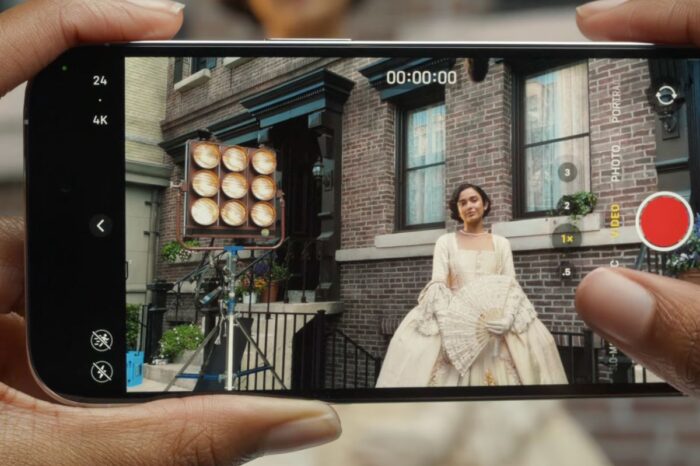
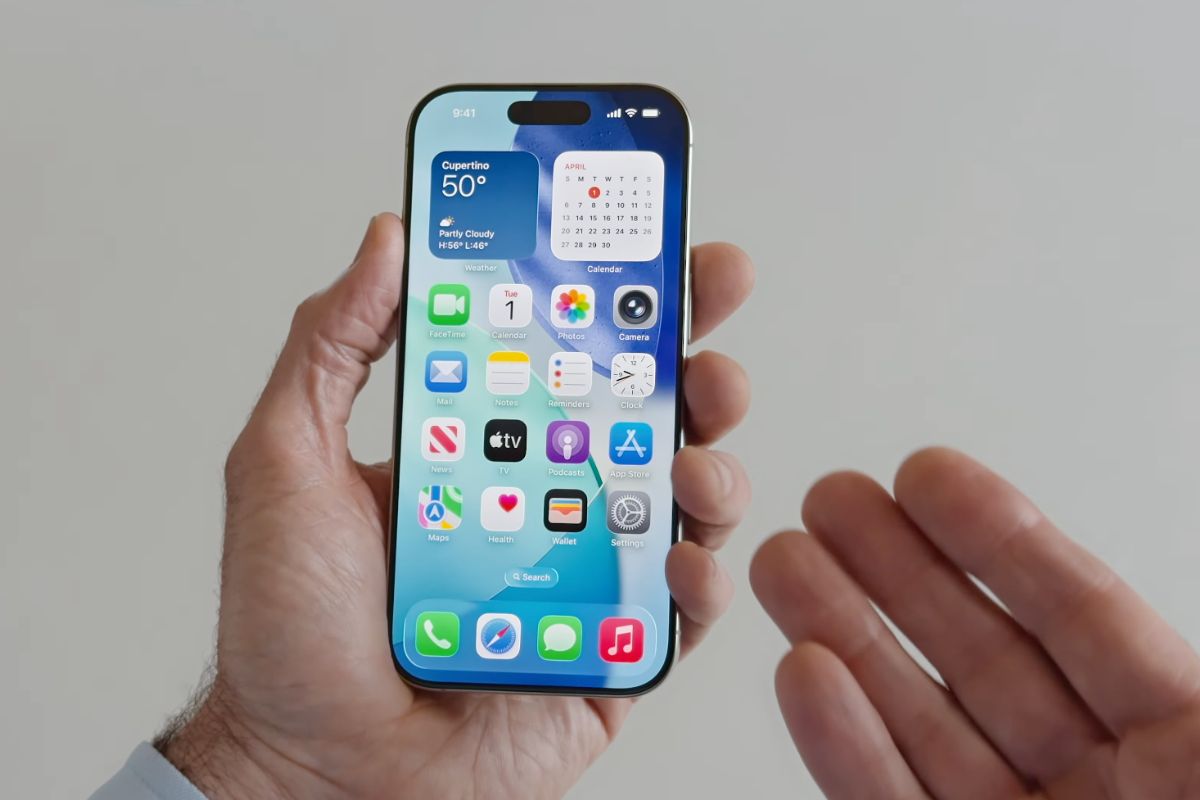
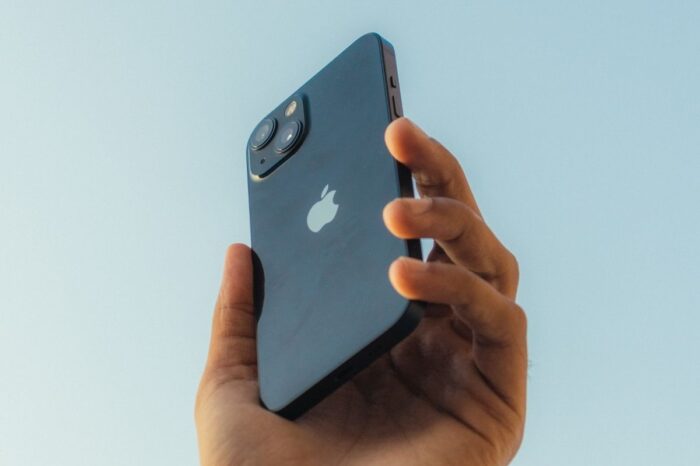
The iPhone 14 Pro and iPhone 14 Pro Max feature an enhanced camera system that can shoot 48-megapixel photos, but only in ProRAW mode which is disabled by default on the new models.
48MP images retain more detail in the image file. This allows users to zoom in and have more creative control when cropping.
ProRAW files are 10 to 12 times larger than JPEG files, and ProRAW files are even larger when 48MP is selected as the resolution. Apple warns that if you store the files on your device, you might run out of space more quickly than you expect.

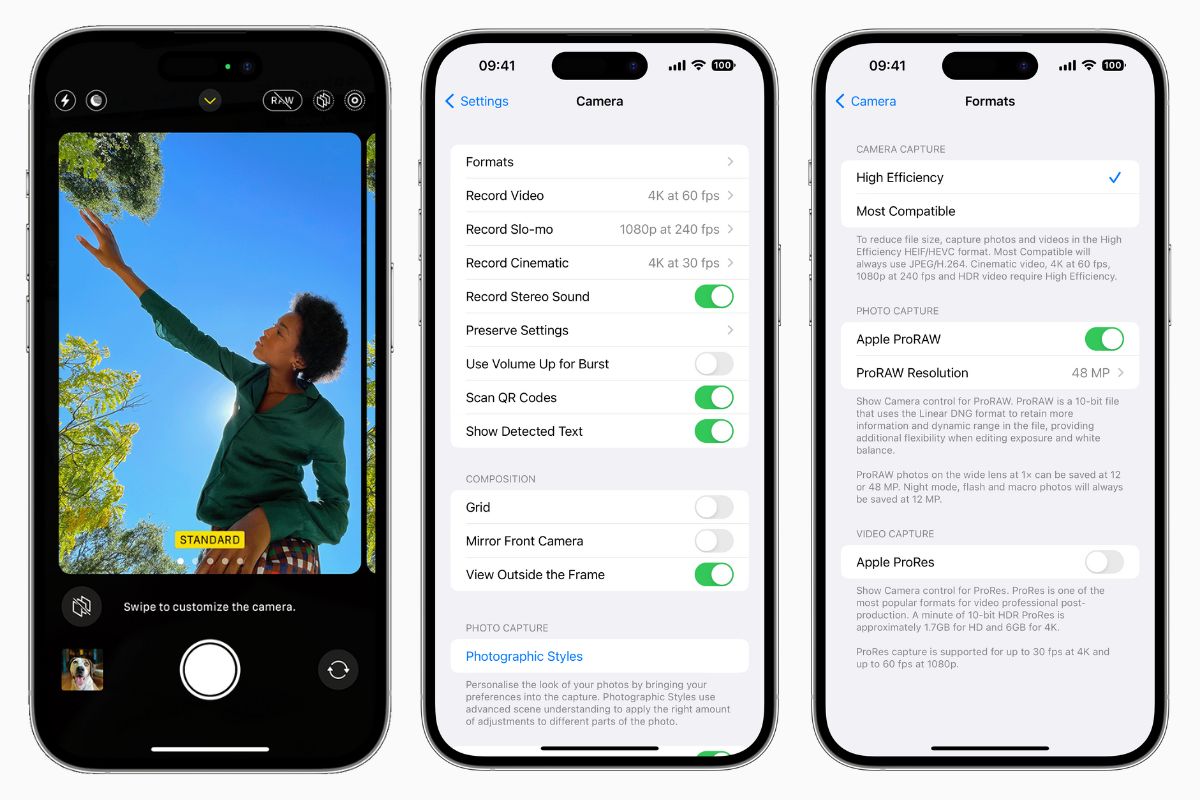
How to shoot 48MP ProRAW Photos on iPhone 14 Pro
- Open the Settings app and select Camera
- Tap the Formats option and press the Apple ProRAW toggle
- In the newly displayed ProRAW Resolution option, select 48 MP
48MP ProRAW Photos are available only on the iPhone 14 Pro and iPhone 14 Pro Max, and not the iPhone 14 or iPhone 14 Plus.
Follow @TheApplePost on Twitter for the latest coverage and analysis on all things Apple. Read the day’s latest stories and stay on top of the latest Apple news, iPhone leaks and Mac rumors with the theapplepost.com app – available from the App Store.