Low Power Mode is one of the quickest ways to extend iPhone battery life, but it does more than simply dim the screen.
When enabled, iOS reduces or disables a number of background activities and visual effects to lower power consumption. This can include reducing background app activity, automatic downloads and some mail fetching, while shortening the Auto-Lock time.
On iPhone models with ProMotion, Low Power Mode can also limit the display refresh rate. Some visual effects and system performance may be reduced while the feature is active.
You can turn it on from Settings > Battery or add Low Power Mode to Control Center for quicker access. The battery icon turns yellow while the mode is enabled.
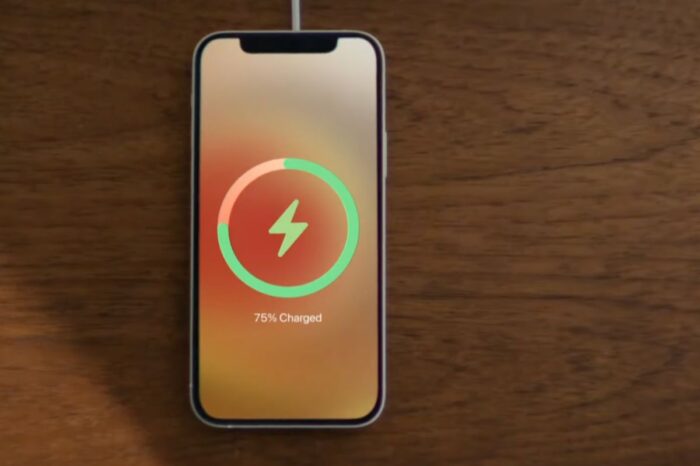
Low Power Mode automatically turns off after the iPhone has charged sufficiently, so using it when you need extra battery does not permanently change those behaviors.
There is no need to wait until the battery is almost empty. If you know you have a long day ahead without easy access to a charger, enabling it earlier can reduce power use before the battery becomes critical.