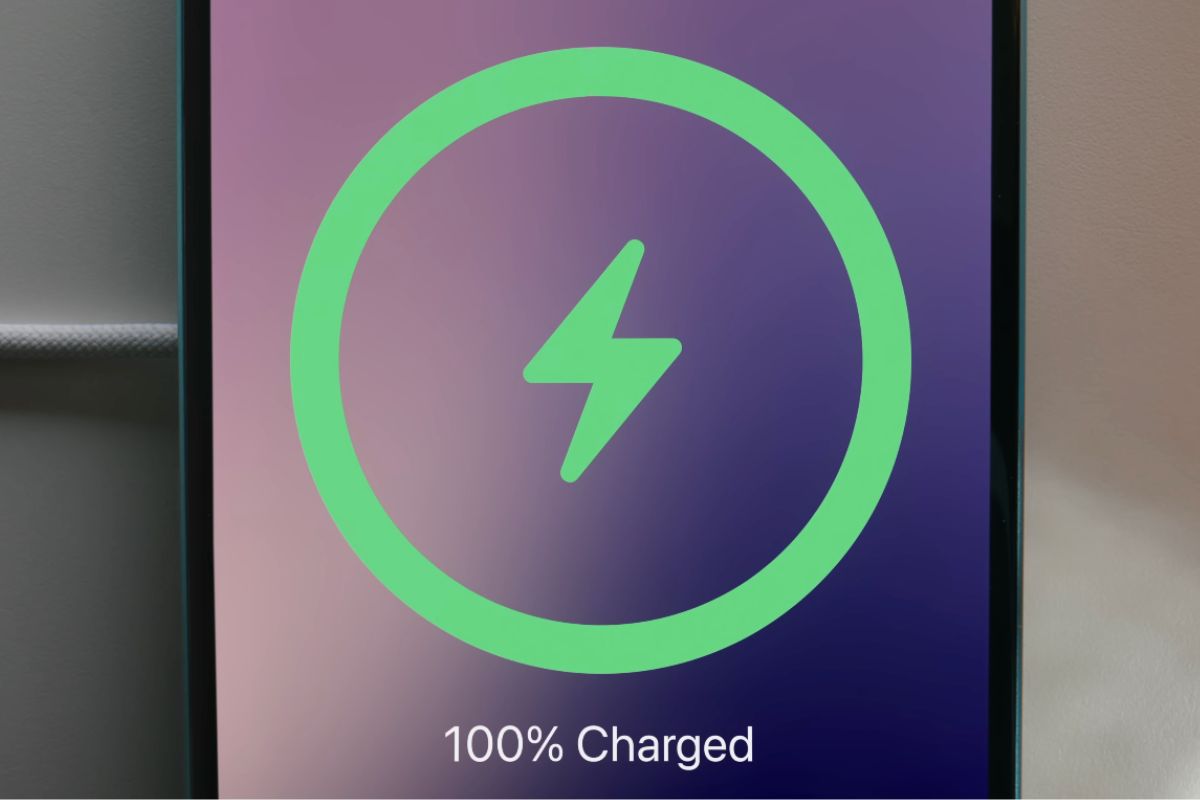
If your iPhone is set to stop charging at 80% but occasionally reaches 100%, the Charge Limit feature is not broken. Apple designed it to do this from time to time.
On iPhone 15 and later, users can set a maximum charge level between 80% and 100% under Settings > Battery > Charging. In normal use, the iPhone charges to within a few percentage points of the selected limit and then stops.
Apple says an iPhone with a limit below 100% will occasionally complete a full charge so iOS can maintain an accurate estimate of the battery’s state of charge. This can happen even when the 80% limit remains enabled.
That means seeing 100% on the Lock Screen does not necessarily mean your setting has been ignored or reset. The iPhone should return to respecting the selected limit during subsequent charging sessions.
You can check the setting at any time by opening Settings, tapping Battery and then Charging. The selected percentage will still be shown there if Charge Limit remains active.
Apple also allows the limit to be temporarily overridden when you need additional battery for a particular day. This is separate from the occasional automatic full charge used for battery calibration.
Unless the iPhone is repeatedly charging beyond the selected limit, there is generally nothing you need to change. An occasional 100% charge is expected behavior.