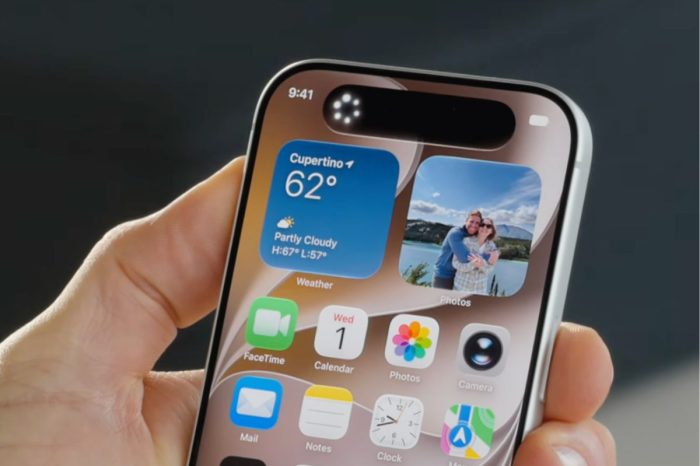
If your iPhone feels slower after installing iOS 27, the change may be temporary rather than a sign that Apple’s latest update has permanently reduced your device’s performance.
After a major iOS installation, an iPhone can continue working in the background even though the update itself appears to be finished. Tasks can include indexing files and photos, rebuilding search information, optimizing apps and completing other system processes.
That extra activity can consume processor resources, increase battery use and make some interactions feel less responsive. Older iPhones may make the temporary change more noticeable than newer hardware.
For that reason, judging iOS 27’s performance immediately after installation can be misleading. Giving the iPhone time to finish its background work, ideally while connected to Wi-Fi and power when convenient, provides a better indication of how the software performs normally.
The same post-update activity can temporarily affect battery life, while increased processing can also cause the device to feel warmer than usual.
Battery health is another consideration on older iPhones. Apple’s performance management can reduce peak performance in certain circumstances when an aging battery cannot reliably supply the required power.
iOS 27 supports devices going back to the iPhone 11. You can see every iPhone compatible with iOS 27 here.
If poor performance continues well after the update and background activity should have settled, checking available storage, battery health and app updates can help identify whether something other than the initial iOS 27 installation is responsible.