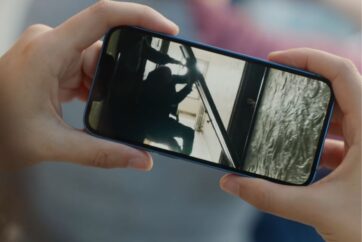
iOS 27 makes it possible to turn an individual frame from a video into a separate photo directly inside the Photos app on iPhone.
The feature removes the need to pause a video, take a screenshot and crop away the playback controls. Instead, you can move through the video to find the frame you want and save it into your photo library.
The resulting image appears in Photos as a separate item, allowing it to be edited, shared or used like another photo in your library.
How to save a video frame as a photo in iOS 27
- Open the Photos app on your iPhone.
- Open the video containing the frame you want to save.
- Pause the video and use the timeline to move to the exact frame you want.
- Open the video’s available editing or action controls and choose the option to save the video frame as a photo.
- Return to your photo library to find the newly created image.
You can repeat the process to save multiple moments from the same video as individual photos without altering the original video.