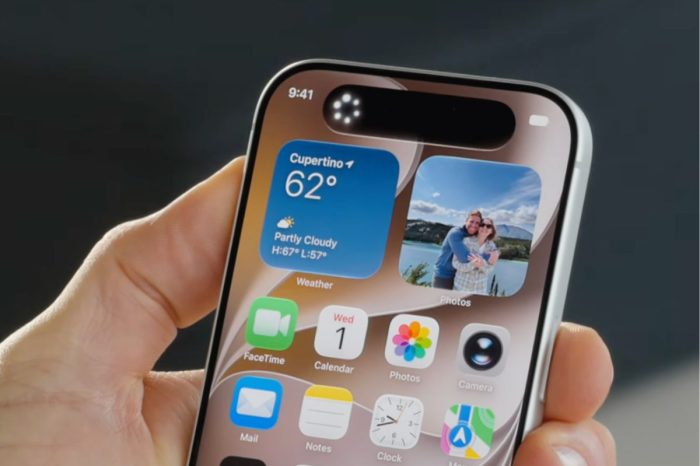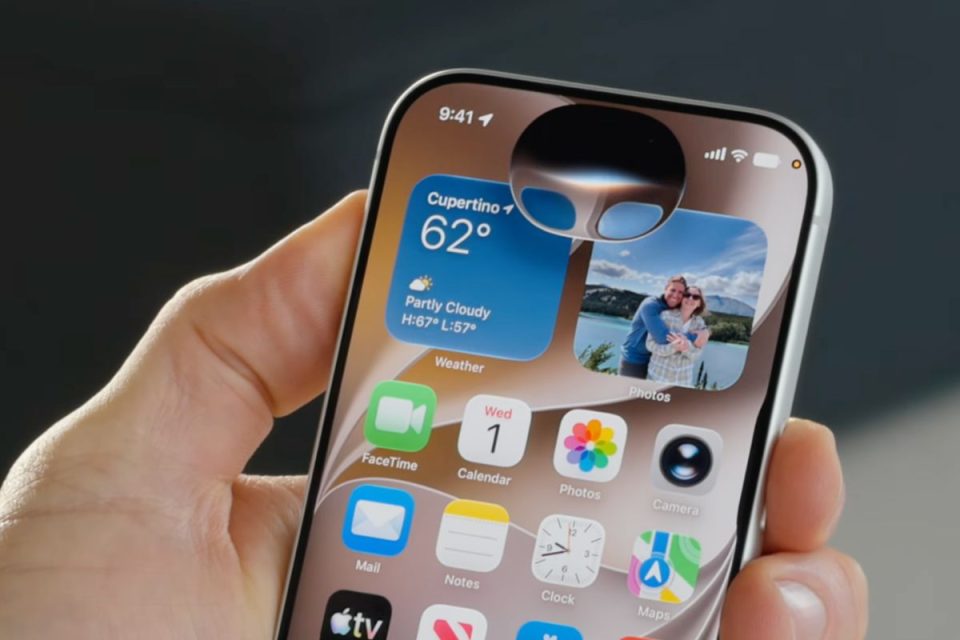
iOS 27 is now available for compatible iPhones, bringing Siri AI, new Apple Intelligence features, Liquid Glass refinements and changes across many of Apple’s built-in apps. But there is no need to install it the moment it appears.
For most users, upgrading to iOS 27 makes sense. Major iOS releases bring new features alongside security improvements and other under-the-hood changes, and iOS 27 has already gone through months of developer and public beta testing.
The question is really whether you should install today or give the public release a little time to settle. The Apple Post recommended ahead of launch that users who depend on their iPhone for critical apps may want to wait 24 to 48 hours, and that remains sensible advice.
Why you might want to install today
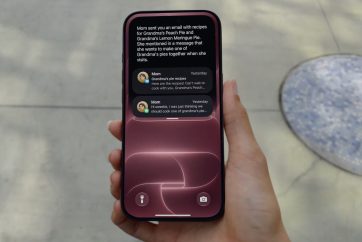
Anyone eager to use iOS 27’s new features has little reason to wait if their important apps and accessories are known to work correctly. On supported hardware, Siri AI is the headline addition, with personal context understanding, on-screen awareness, deeper app actions and a dedicated Siri app.
The update also brings improvements across Photos, Safari, Messages, Camera, FaceTime, Passwords and other parts of the system, alongside more control over the appearance of Liquid Glass.
Installing promptly also means receiving the latest security and system improvements included with the release.
Why waiting can make sense
The first few hours after a major iOS launch are when millions of devices begin downloading and installing the update. Apple’s servers can face heavier demand, while bugs that did not appear during beta testing can sometimes emerge once the software reaches a much larger range of users, apps and accessories.
If your iPhone is essential for work, travel, payments, authentication or another critical purpose, waiting until early user reports emerge can reduce the risk of discovering an unexpected compatibility issue yourself.
Battery life can also appear worse immediately after a major update because iPhone performs background work such as indexing and other post-installation tasks. A temporary increase in battery drain after installing iOS 27 does not necessarily indicate a lasting problem.
Check storage and make a backup first
Whether you update today or later, creating a current backup before installing a major operating system update is sensible. Users should also check that they have enough available storage and keep their iPhone connected to power and Wi-Fi during installation.
The amount of free space needed can vary depending on the device and update process, so freeing some storage before starting can help avoid installation problems.
For most Apple enthusiasts, installing iOS 27 today is a reasonable choice. For anyone whose iPhone absolutely needs to work without surprises, waiting a day or two remains the safer option.